
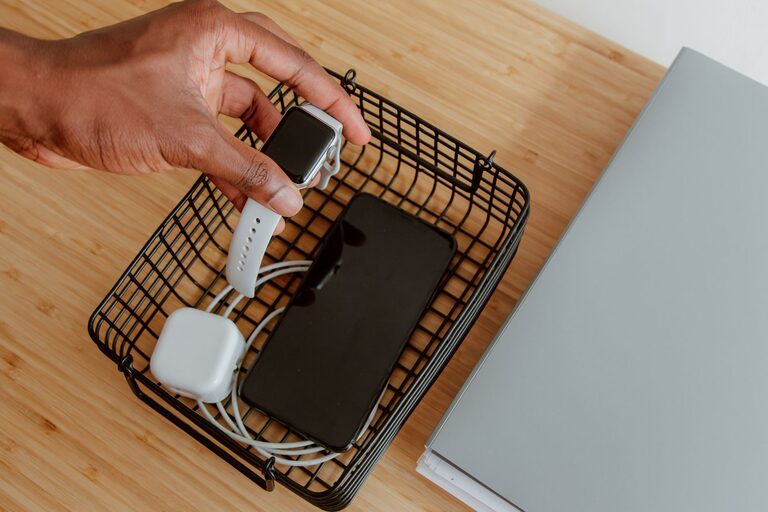
Setting up a dedicated charging station for your devices is a smart way to keep your space organized and ensure your gadgets are always ready to use. Whether at home or in the office, a charging station can reduce clutter, prevent cable tangles, and make it easier to charge multiple devices simultaneously.
In this guide, we’ll walk you through everything you need to know to create an efficient charging station tailored to your needs.
Why Create a Charging Station?
With the increasing number of devices we use—smartphones, tablets, smartwatches, wireless earbuds, and more—charging them individually can become messy and inconvenient. A charging station helps by:
– Centralizing all charging needs in one place
– Reducing cable clutter and confusion
– Protecting devices from damage caused by tangled cords
– Improving the look of your workspace or living area
Step 1: Assess Your Charging Needs
Before assembling your station, take stock of the devices you need to charge regularly. Consider:
– How many devices do you need to plug in at once?
– What types of charging ports or cables do your devices require? (USB-A, USB-C, Lightning, etc.)
– Do you need fast charging capabilities?
– Will the station be used in a location with limited outlets?
Understanding these factors will help you choose the right equipment.
Step 2: Choose a Location
Select a location that is easily accessible, close to power outlets, and where devices can be safely stored while charging. Common options include:
– A desk or countertop in a home office
– A side table in the living room
– A nightstand in the bedroom
– A dedicated charging cabinet or drawer
Make sure the area is well-ventilated to prevent devices from overheating.
Step 3: Select the Right Charging Equipment
Multi-Port USB Chargers
Multi-port chargers allow you to plug in several devices simultaneously, often with fast charging features. Look for models with enough ports for your devices, and check if the charger supports your device’s power requirements.
Wireless Charging Pads
For compatible devices, wireless charging pads offer a cable-free way to recharge. You can find single or multi-device pads that charge phones, earbuds, and smartwatches together.
Charging Stands or Docks
These are designed to hold and charge devices in an upright position, reducing clutter and making it easier to see notifications or use the device while charging.
Power Strips with USB Ports
If you need to plug in devices that don’t use USB charging, select a power strip that has both standard outlets and USB ports.
Step 4: Organize Cables and Accessories
Even with the right chargers, cables can still get messy. Here are some tips to keep things tidy:
– Use cable organizers such as clips, sleeves, or boxes
– Label cables to identify which device they belong to
– Opt for shorter cables where possible to reduce excess length
– Consider cable ties or Velcro straps for bundling unused portions of cables
Step 5: Set Up the Station
Arrange your chargers and cables neatly on your chosen surface. Secure cables so they don’t slip off or get tangled. If using a drawer or cabinet, use adhesive hooks or small baskets to keep devices and cables in place.
If you have multiple chargers, position them so that every device can charge without blocking others.
Step 6: Maintain Your Charging Station
Regularly clean your charging area to avoid dust buildup. Check cables and chargers for wear and tear, and replace any damaged components promptly. Periodically review your device list and upgrade your charging equipment as needed.
Additional Tips
– Avoid overloading power strips to prevent hazards
– Use surge protectors to safeguard devices during power spikes
– Keep a few extra charging cables handy for guests or new devices
– Consider eco-friendly chargers with energy-saving features
Conclusion
Creating a charging station may take a bit of planning and setup, but the payoff is worth it. You’ll enjoy a clutter-free space, faster and safer charging, and peace of mind knowing your devices are ready when you need them. With these simple steps, you can build a charging station that fits your lifestyle and keeps you connected.
Happy charging!
About the Author